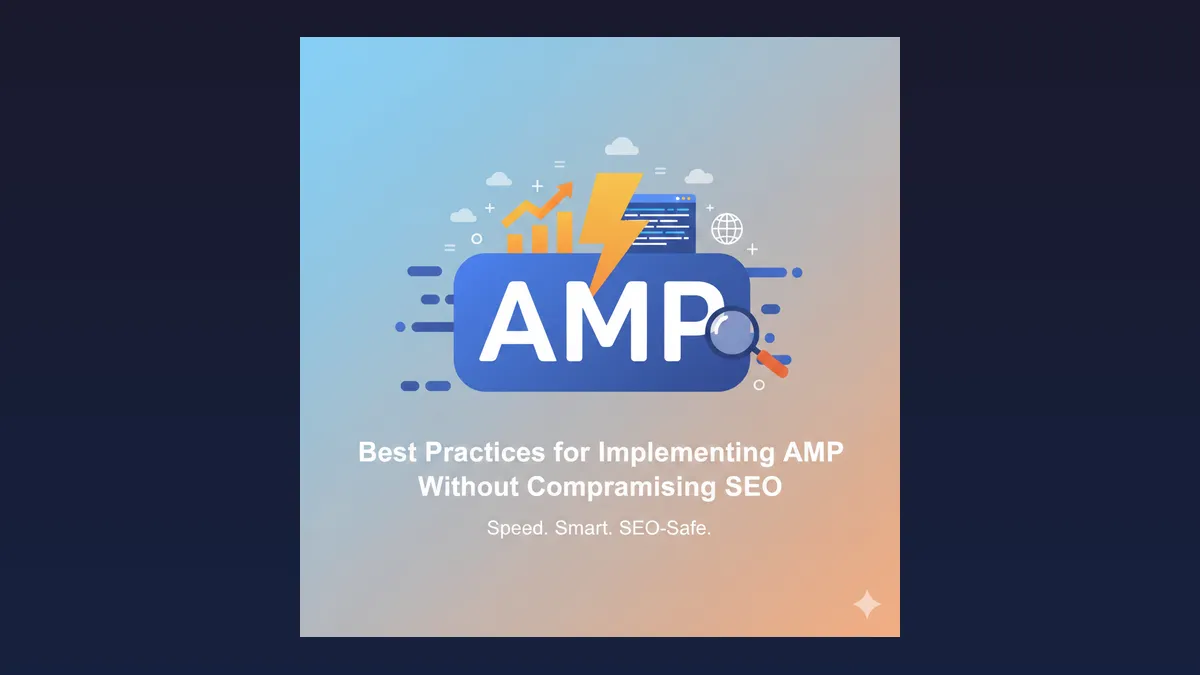
For years, Accelerated Mobile Pages (AMP) was the default answer to “how do we make mobile search faster?” For most B2B marketing sites, that answer is outdated.
Google’s mobile ranking and experience signals now center on Core Web Vitals, crawlable HTML, and useful content, not a parallel AMP HTML stack. Publishers with huge article volumes may still keep AMP for historical reasons. Mid-market SaaS, construction, manufacturing, and professional services sites almost never need it.
For the full step-by-step mobile checklist, see How to Improve Your Website’s SEO for Mobile Devices. For HTML and CSS examples, see Mobile SEO for Developers.
This post keeps the original URL for continuity. The job it should answer today is different: how do we keep mobile SEO and Core Web Vitals strong without AMP?
What Happened to AMP for B2B Sites?
Short historical note. AMP was a Google-backed framework that stripped pages down so they could load quickly in mobile search. It required a separate AMP HTML version, special validation, and careful canonical linking so Google did not treat AMP and non-AMP as duplicates.
That model created real costs for B2B teams:
- Two templates to maintain for every important URL
- Broken analytics when AMP and canonical sessions did not stitch
- Navigation dead ends that trapped buyers on thin AMP views
- Design and form constraints that hurt high-consideration conversion flows
Google later reduced AMP’s special treatment in mobile search. Modern browsers, CDNs, image formats, and frameworks like Astro or well-tuned WordPress stacks can hit strong mobile performance on the canonical page. For B2B authority sites, investing in AMP usually means funding a legacy parallel site instead of fixing the real one.
If you still have AMP URLs live, treat them as technical debt: confirm canonicals, stop expanding AMP coverage, and plan a clean retirement once traffic and Search Console data show the canonical pages are healthy.
Which Core Web Vitals Matter for B2B Mobile SEO?
Core Web Vitals are the practical performance language search and UX teams should share.
LCP (Largest Contentful Paint). How fast the main content appears. On B2B pages that is often the hero headline, product screenshot, or primary project image. Slow LCP usually comes from oversized images, late fonts, or blocked rendering CSS.
INP (Interaction to Next Paint). How quickly the page responds to clicks and taps. Heavy third-party scripts, tag managers piled with unused tags, and hydration-heavy JavaScript frameworks are common culprits on marketing sites.
CLS (Cumulative Layout Shift). How much the layout jumps while loading. Cookie banners, late-loading fonts, embeds, and images without dimensions create CLS that makes forms and CTAs feel unreliable.
For B2B, “good” vitals are not a vanity Lighthouse screenshot. They are a conversion prerequisite. A facilities director on a phone at a job site, or a SaaS evaluator comparing vendors between meetings, will not wait on a sluggish page. Technical SEO for B2B only works when the page that ranks can also load and convert on mobile.
How Do You Improve Mobile SEO Without Reintroducing AMP?
Skip the parallel AMP template. Harden the canonical mobile experience.
1. Make the canonical page the fast page
- Serve modern image formats (WebP or AVIF) with explicit width and height
- Lazy-load below-the-fold media, not the LCP image
- Preload the hero image and critical font files sparingly
- Prefer static or mostly static HTML for marketing pages when the product allows it
Teams building in Astro already start with an advantage because less JavaScript ships by default. See how to optimize an Astro website for SEO and performance for a deeper engineering checklist.
2. Treat third-party scripts like production dependencies
Every chat widget, A/B tool, pixel, and heatmapper competes with INP and LCP. Inventory tags quarterly. Remove what sales and marketing cannot defend with a measured outcome. Load non-critical tags after interaction or on idle when possible.
3. Keep mobile content complete
Do not hide primary proof, pricing context, or form fields behind “desktop only” patterns. Mobile SEO fails when the mobile DOM is a watered-down brochure. Buyers on phones still need case studies, specs, and clear next steps.
4. Preserve crawlability and internal links
Use semantic headings, descriptive anchors, and a navigation that works on small screens. Semantic HTML helps both accessibility and how crawlers understand page structure. Avoid interstitials that block content on entry.
5. Align templates used by paid and organic traffic
If paid search lands on a lightweight landing page while organic hits a bloated CMS template, you will learn the wrong lessons about channel quality. Performance and message should be consistent across the money URLs.
6. Validate with field data, not lab only
Lab tools (Lighthouse, WebPageTest) are for debugging. Search Console and Chrome UX Report field data show what real users experience. Optimize until field CWV is “good” for the templates that drive pipeline, not until a single lab URL scores 100.
What Should B2B Teams Prioritize Over AMP Projects?
If a stakeholder still asks for AMP, redirect the roadmap to work that moves pipeline.
Priority order that usually pays:
- Fix LCP on service, product, and industry templates
- Cut script weight that damages INP on forms and navigations
- Stabilize CLS around cookie consent and hero media
- Improve mobile information architecture so service intent is one tap from home
- Strengthen structured data and content clarity for classic search and AI answers
- Only then debate hosting, CDN, or a framework rebuild if the CMS cannot hit the bar
SaaS example. A product marketing site often loses CWV to marketing tags and a JavaScript-heavy front end. Removing unused tags and shipping critical pages as static HTML usually beats maintaining AMP article clones nobody converts on.
Construction example. Project galleries and map embeds can crush LCP and CLS. Compress media, reserve image space, and defer map loads until a user asks for the map. That keeps estimators and owners on the page without a second AMP tree.
When the CMS or theme cannot meet CWV without heroic hacks, a web development rebuild with performance budgets is the honest fix. AMP will not save a fragile stack.
How Do You Know the Mobile SEO Program Is Working?
Track a short scoreboard:
- Search Console: mobile usability issues cleared, CWV “poor” URLs trending down
- Money page field LCP, INP, and CLS
- Mobile conversion rate on key templates (demo, contact, bid, audit)
- Organic clicks to service and industry pages from mobile devices
- Form completion time and error rates on mobile
If CWV improves but conversions do not, the problem is likely message, offer, or trust, not milliseconds alone. If conversions are fine on desktop and weak on mobile, inspect tap targets, form length, and content parity before buying another performance plugin.
For a quick technical baseline on the live site, Run A Free SEO Audit. If you want a performance and IA plan tied to pipeline pages, Book A Free Strategy Call.
Bottom Line
AMP solved a 2010s mobile speed problem with a parallel page format. B2B teams in 2026 should solve the same job on the canonical site: strong Core Web Vitals, complete mobile content, lean scripts, and templates that convert.
Keep AMP only as a temporary bridge while you retire it. Put the engineering budget into CWV, crawlability, and conversion on the URLs buyers already use. That is how mobile SEO stays strong without compromising the experience you actually own.